사단법인 STDev

클라우드 자원 이용 방법
EC2
SSH 접속을 통해 EC2 인스턴스에 접근할 수 있습니다.
-
제공한 private key를 복사하여
~/.ssh디렉토리 내 원하시는 경로에 저장합니다.vim ~/.ssh/sparcs-hackathon -
위에서 생성한 파일의 권한을 600으로 변경합니다.
chmod 600 ~/.ssh/sparcs-hackathon -
제공한 user와 public IP를 이용해 SSH 접속합니다.
ssh -i <private-key> <user>@<public-ip>
RDS
CLI 혹은 JetBrains에서 제공하는 DataGrip IDE 등을 통해 데이터베이스에 접근할 수 있습니다.
CLI
MySQL
$ mysql -h <host> -u <user> -p
Enter password:

mysql>
PostgreSQL
$ psql -h <host> -d <database> -U <user> -W
Password:

postgres=>
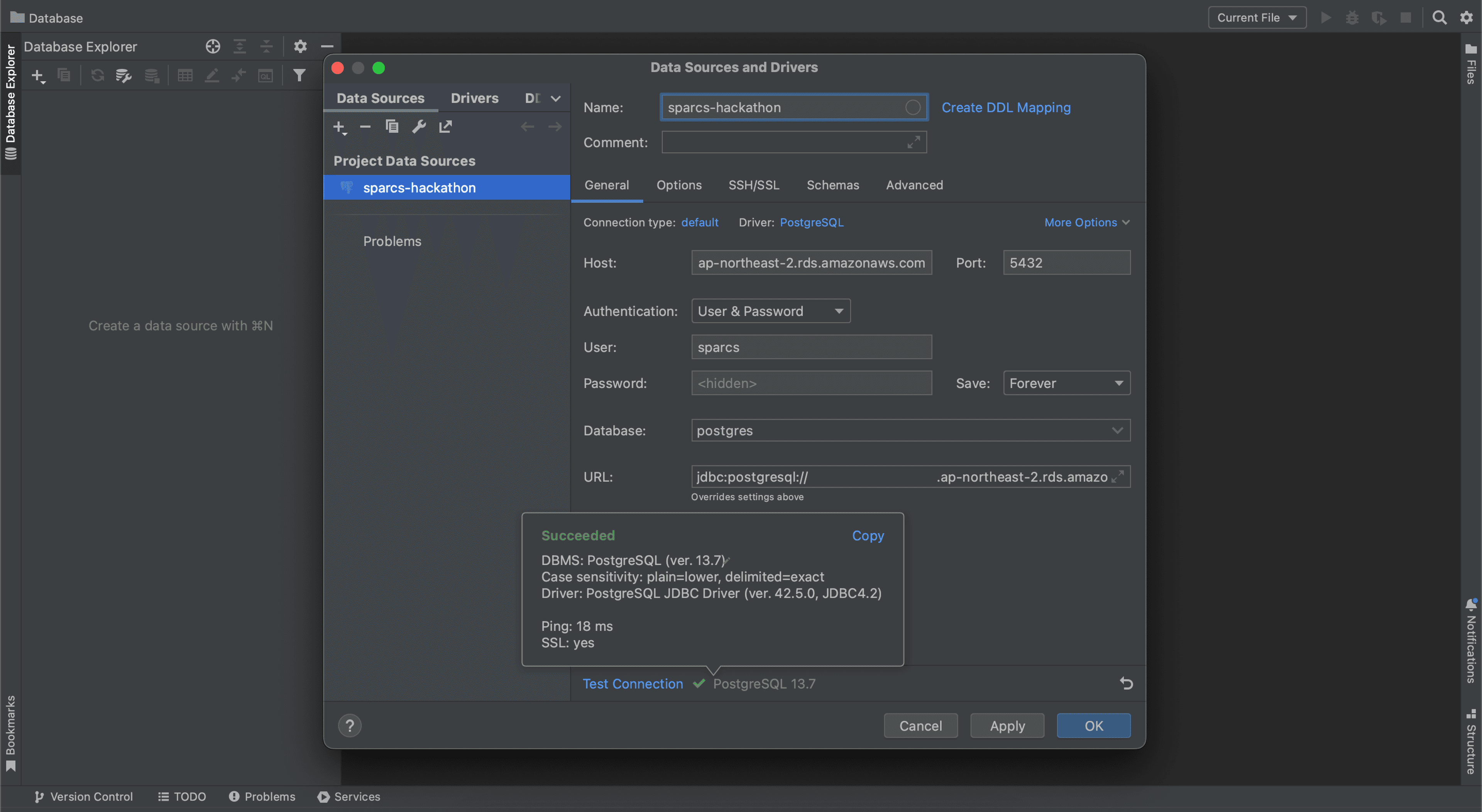
DataGrip
-
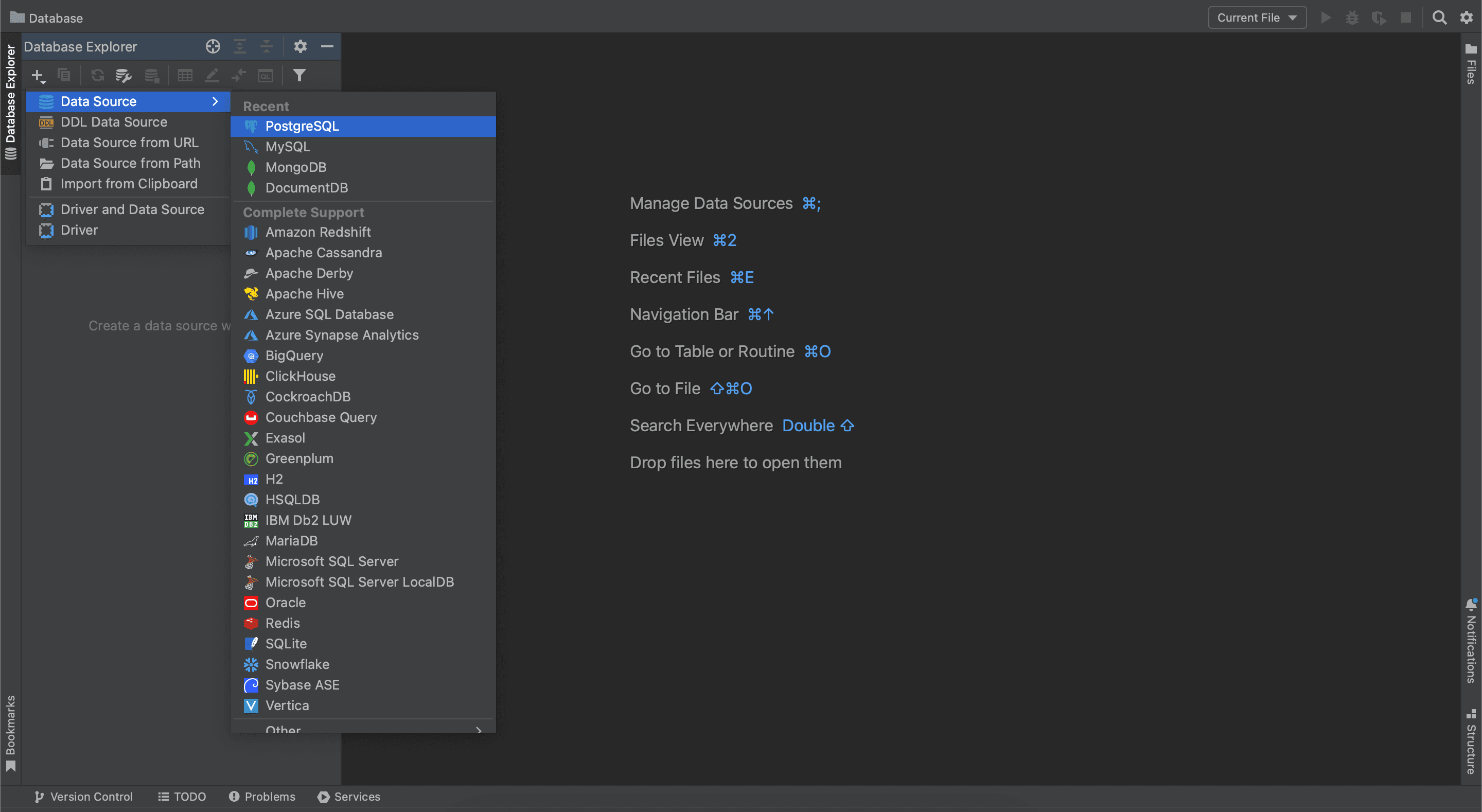
좌측 상단의 ‘+’ 아이콘을 클릭한 후 신청하신 데이터베이스 종류를 선택합니다.
-
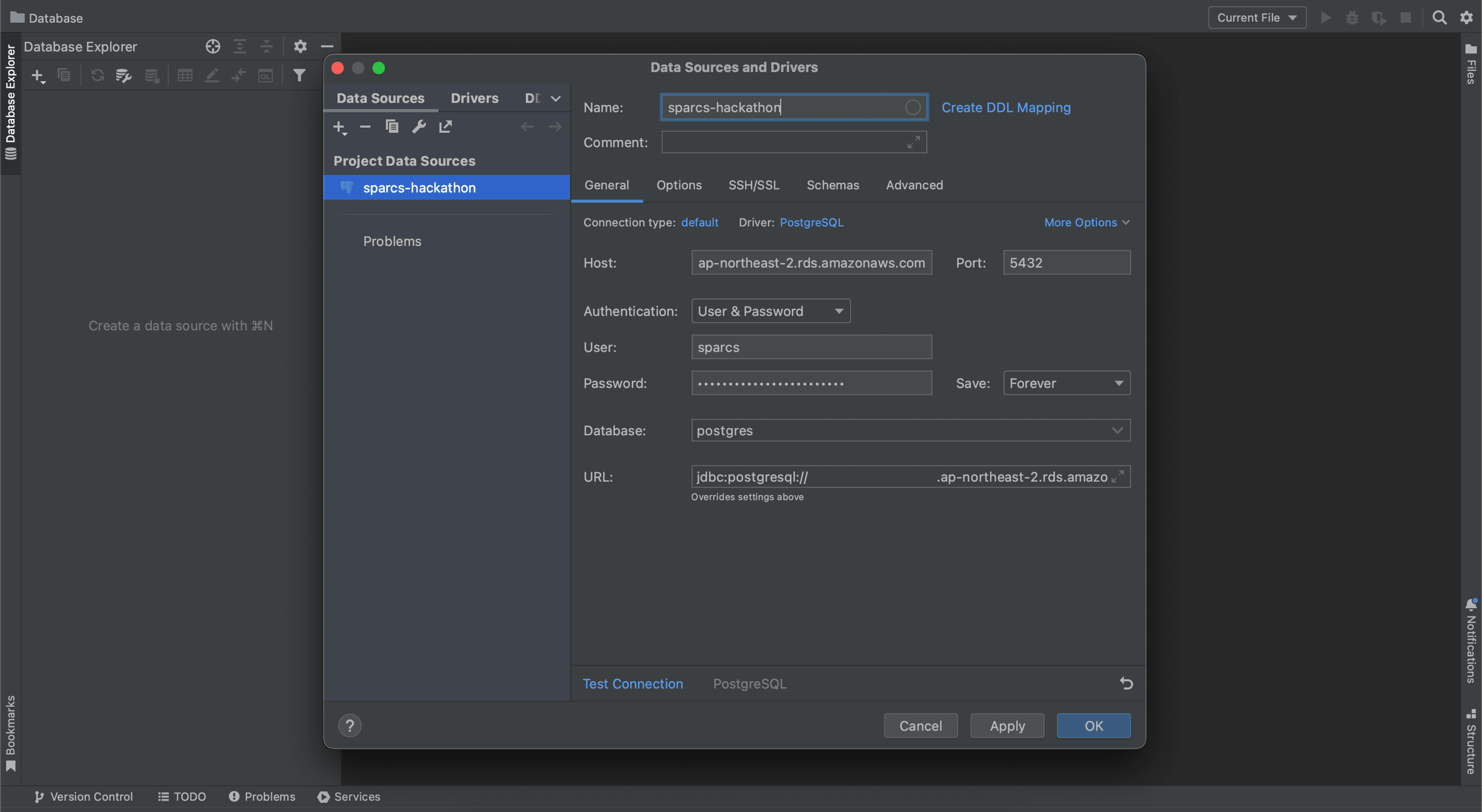
제공한 Host, Port, User, Password, Database를 입력합니다.
DocumentDB
MongoDB shell 또는 각종 애플리케이션을 통해 DocumentDB 인스턴스에 접근할 수 있습니다.
-
DocumentDB와의 보안 연결을 위해 AWS에서 발급한 인증서가 연결하려는 장치에 저장되어 있어야 합니다. (Ubuntu 20.04 기준) 아래 명령을 사용하여 인증서를 장치에 저장합니다.
wget https://s3.amazonaws.com/rds-downloads/rds-combined-ca-bundle.pem -
MongoDB shell에 아래 커맨드와 같이 commandline option을 전달하여 DocumentDB에 접근할 수 있습니다.
mongo --ssl --host <DB 주소 삽입>:27017 --sslCAFile rds-combined-ca-bundle.pem --username sparcs --password <암호삽입> -
MongoDB를 사용하는 애플리케이션(MongoDB Compass, Mongoose 등)에서는 아래와 같은 connection string을 사용하여 DocumentDB에 접근할 수 있습니다.
"mongodb://sparcs:<암호삽입>@<DB 주소 삽입>:27017/?ssl=true&ssl_ca_certs=rds-combined-ca-bundle.pem&retryWrites=false"
[참조]
-
SSL 인증서 저장법:
Get Started with Amazon DocumentDBThere are many ways to connect and get started with Amazon DocumentDB. We created this guide because we found this way to be the quickest, simplest and easiest way for users to get started using our powerful document database.https://docs.aws.amazon.com/documentdb/latest/developerguide/get-started-guide.html#cloud9-mongoshell
-
각종 어플리케이션을 이용한 DocumentDB 인스턴스 연결법:
Connecting Programmatically to Amazon DocumentDBThis section contains code examples that demonstrate how to connect to Amazon DocumentDB (with MongoDB compatibility) using several different languages. The examples are separated into two sections based on whether you are connecting to a cluster that has Transport Layer Security (TLS) enabled or dihttps://docs.aws.amazon.com/documentdb/latest/developerguide/connect_programmatically.html
 https://docs.aws.amazon.com/documentdb/latest/developerguide/get-started-guide.html#cloud9-mongoshell
S3
-
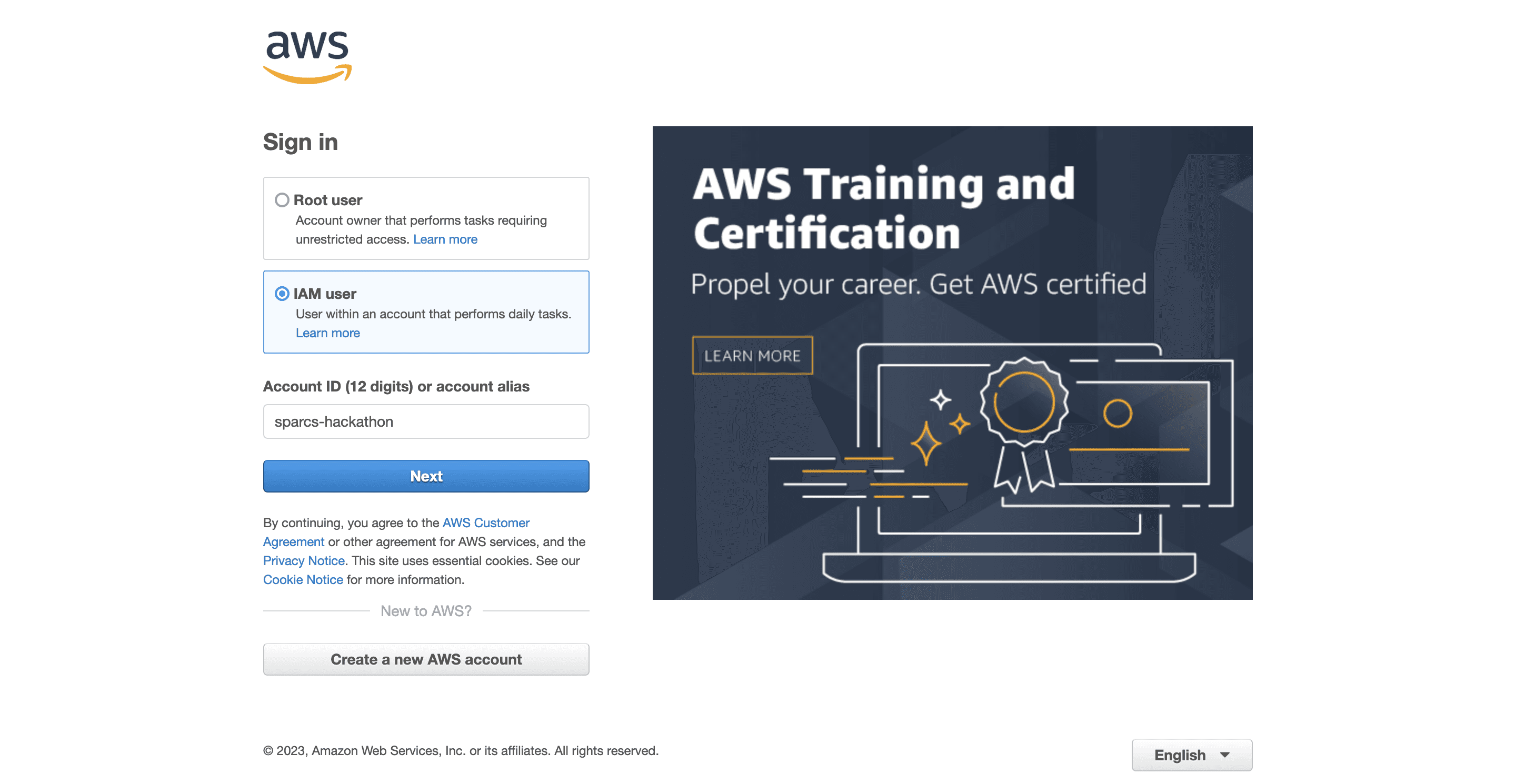
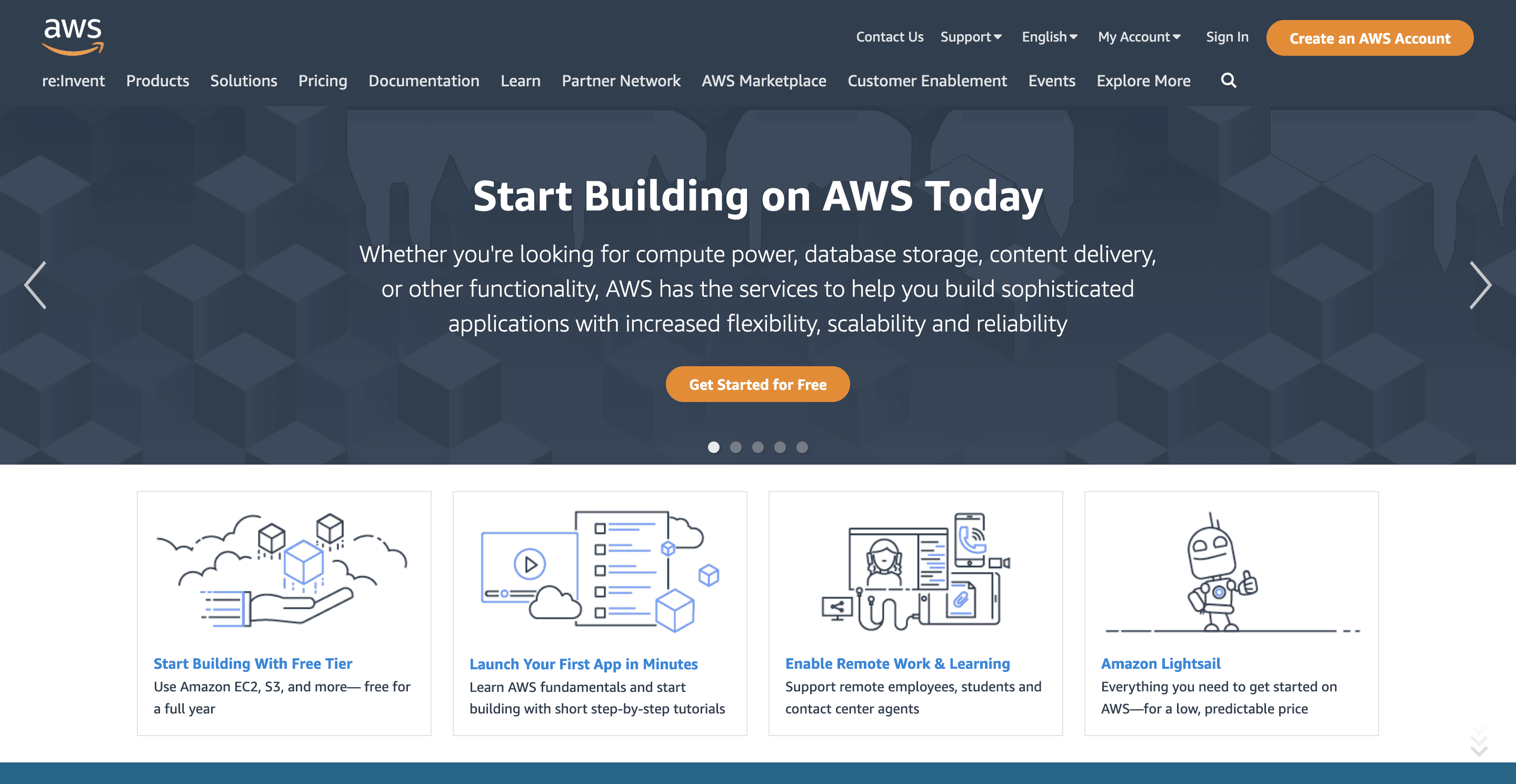
https://aws.amazon.com 접속 후 우측 상단의 ‘Sign In’ 버튼을 클릭합니다.
-
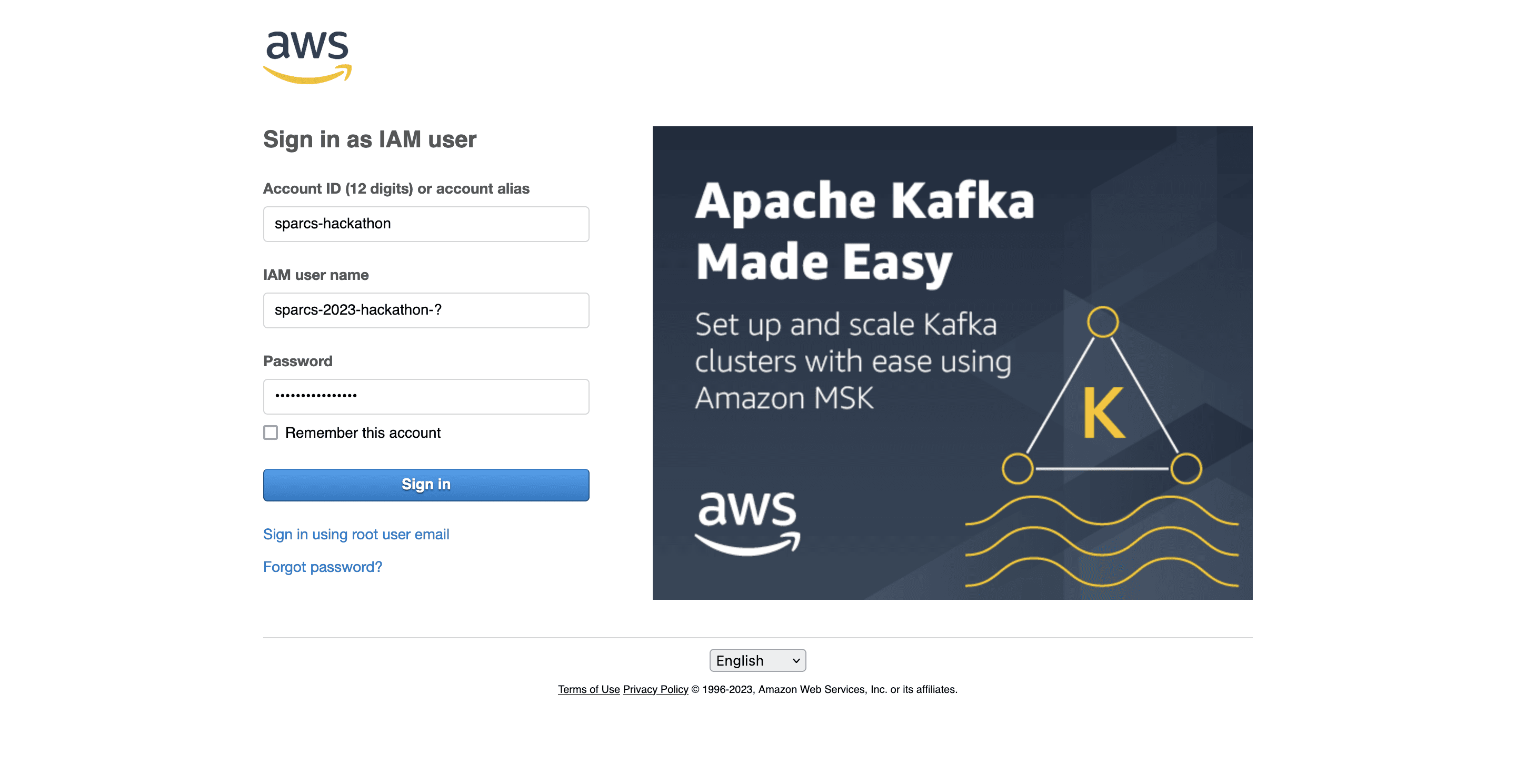
‘IAM user’ 클릭 후 Account ID에
sparcs-hackathon을 입력합니다.